Blogs
BlogsHow to Manage Orders Like a Pro
Stop losing orders and start managing your business with confidence

Mahmudul Hasan
Product & Operations Editor

Introduction
Managing orders manually through Excel sheets or Facebook messages is a recipe for lost orders and unhappy customers. As your business grows, you need a proper system.
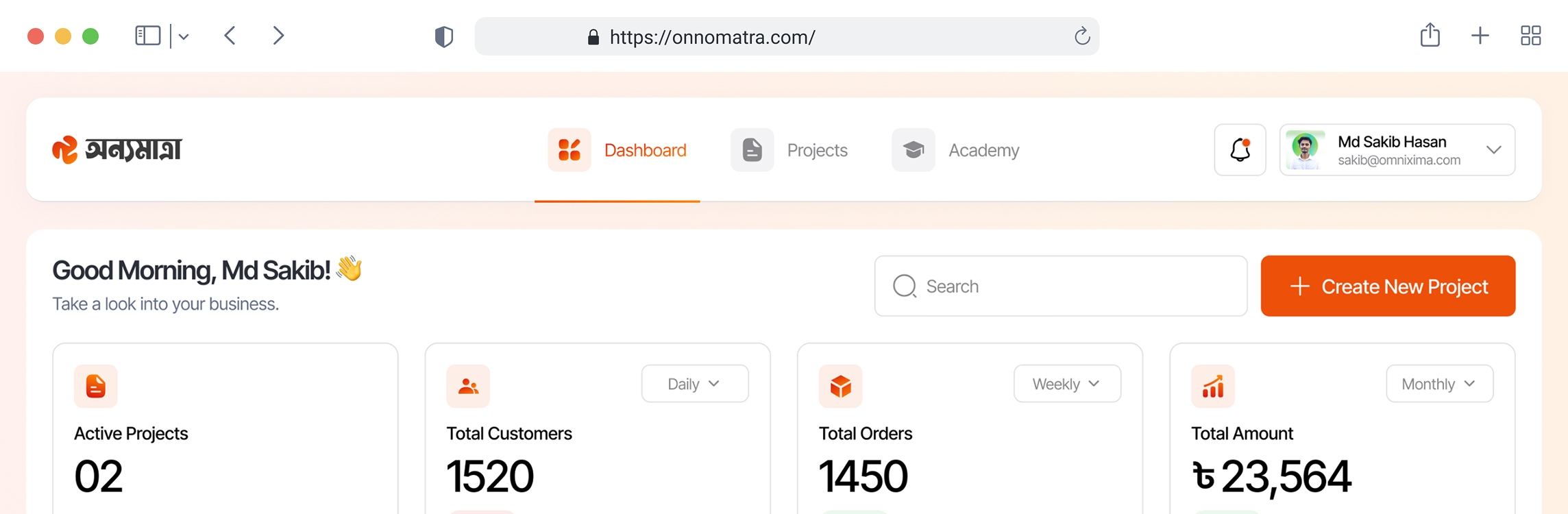
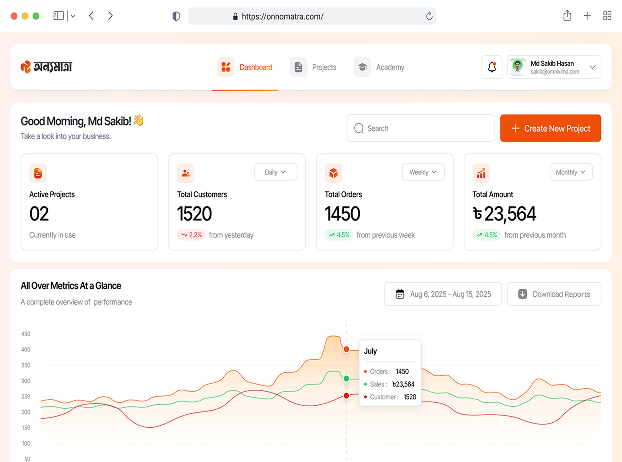
Onnomatra gives you a complete order management dashboard that keeps everything organized in one place.
Using the Order Dashboard
The order dashboard gives you a bird's-eye view of all your orders. You can:
- See all pending, confirmed, shipped, and delivered orders
- Search and filter orders by status, date, or customer
- Export order data for accounting or courier handoff
- Generate invoices automatically with one click

Pro Tip: Use the quick filters at the top to focus on orders that need immediate attention.
Status Tracking
Every order moves through a clear pipeline:
- Pending — New order received
- Confirmed — You have accepted the order
- Processing — Order is being prepared
- Shipped — Handed to courier
- Delivered — Customer received the product
- Cancelled/Returned — Order was cancelled or returned
Updating statuses keeps your team aligned and gives customers confidence that their order is being handled.
Customer Communication
Good communication reduces cancellations and returns. Best practices:
- Confirm orders within 1–2 hours
- Share tracking information when shipped
- Follow up after delivery for feedback
- Handle complaints quickly and politely
Onnomatra auto-generates invoices that you can share with customers via WhatsApp or SMS.
Recommended Storefront Templates
These storefront starting points work well for the product categories discussed in this guide. Choose the closest structure, then replace the demo content with your own product details, policies, and photography.
Tasty Achar
Food
Smart Watch
Gadget
Kids Books
Books
Formal Shirt
Clothing
Explore Our 100+ Templates
Start with a professionally designed template and make it your own in minutes. Optimized for e-commerce conversions.
Seller Reviews
Seller feedback is most useful when it explains the workflow that improved, not only the final sales result. These perspectives show the kinds of practical changes to look for.
বাংলাদেশি বিক্রেতাদের অভিজ্ঞতা
দৈনন্দিন কাজ সহজ করার বিষয়ে বিক্রেতাদের মতামত।
“কালেকশন আপডেট করে সরাসরি প্রোডাক্ট লিংক শেয়ার করতে পারি। ডেভেলপারের জন্য অপেক্ষা না করায় অর্ডার নেওয়ার কাজটি এখন অনেক গুছানো।”

ফাতিমা রহমান, নীলা বুটিক
“স্টক আর অর্ডার একই জায়গায় থাকায় ডেলিভারি নিশ্চিত করার আগে টিম সহজে তথ্য মিলিয়ে নিতে পারে। ভুলও আগের চেয়ে কম হয়েছে।”

ইমরান খান, ফ্রেশমার্ট অনলাইন
Conclusion
Professional order management is the backbone of a successful e-commerce business. With the right tools, you can handle hundreds of orders without breaking a sweat.
- Use a centralized dashboard instead of spreadsheets
- Keep order statuses updated in real-time
- Communicate proactively with customers
- Generate invoices automatically